

Choosing the right Point of Sale (POS) system can directly impact your profit, customer experience, and day-to-day operations. In 2026, small business owners have more POS options than ever—but that also means more confusion around fees, contracts, and features.
This guide breaks down the best POS systems for small businesses, compares real costs, and helps you choose the right setup based on your business type.
What Is a POS System (and Why It Matters More Than Ever)
A POS system is more than a card reader. A modern POS handles:
Card & contactless payments
Inventory tracking
Sales reporting
Employee management
Online ordering & invoicing
Customer data & receipts
The wrong system can quietly drain thousands per year in fees. The right one can save money, speed up lines, and scale with you.
Top POS Systems for Small Businesses (2026)
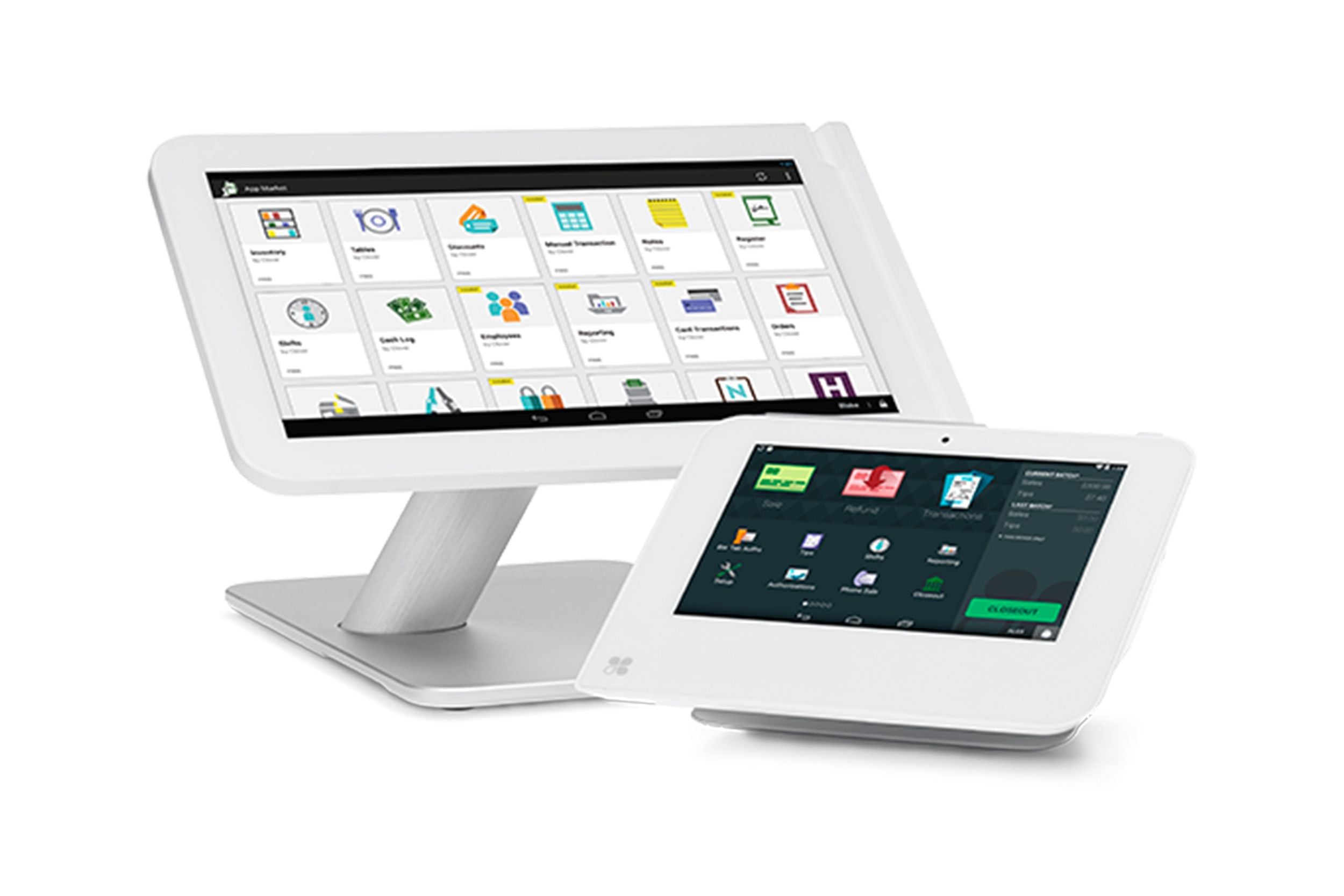
1. Clover — Best Overall Flexibility
Best for: Retail, food trucks, salons, service businesses
Pros
Multiple hardware options (Flex, Mini, Station, handhelds)
App marketplace (inventory, loyalty, payroll, etc.)
Can run on low custom processing rates
Supports cash discount & dual pricing
Cons
Rates vary depending on provider
Needs proper setup to avoid overpaying
Typical Cost
Hardware: $0–$1,500 (often free with approval)
Processing: ~2.3%–2.9% (or 0% with cash discount)
👉 Clover is ideal if you want control, scalability, and long-term savings.
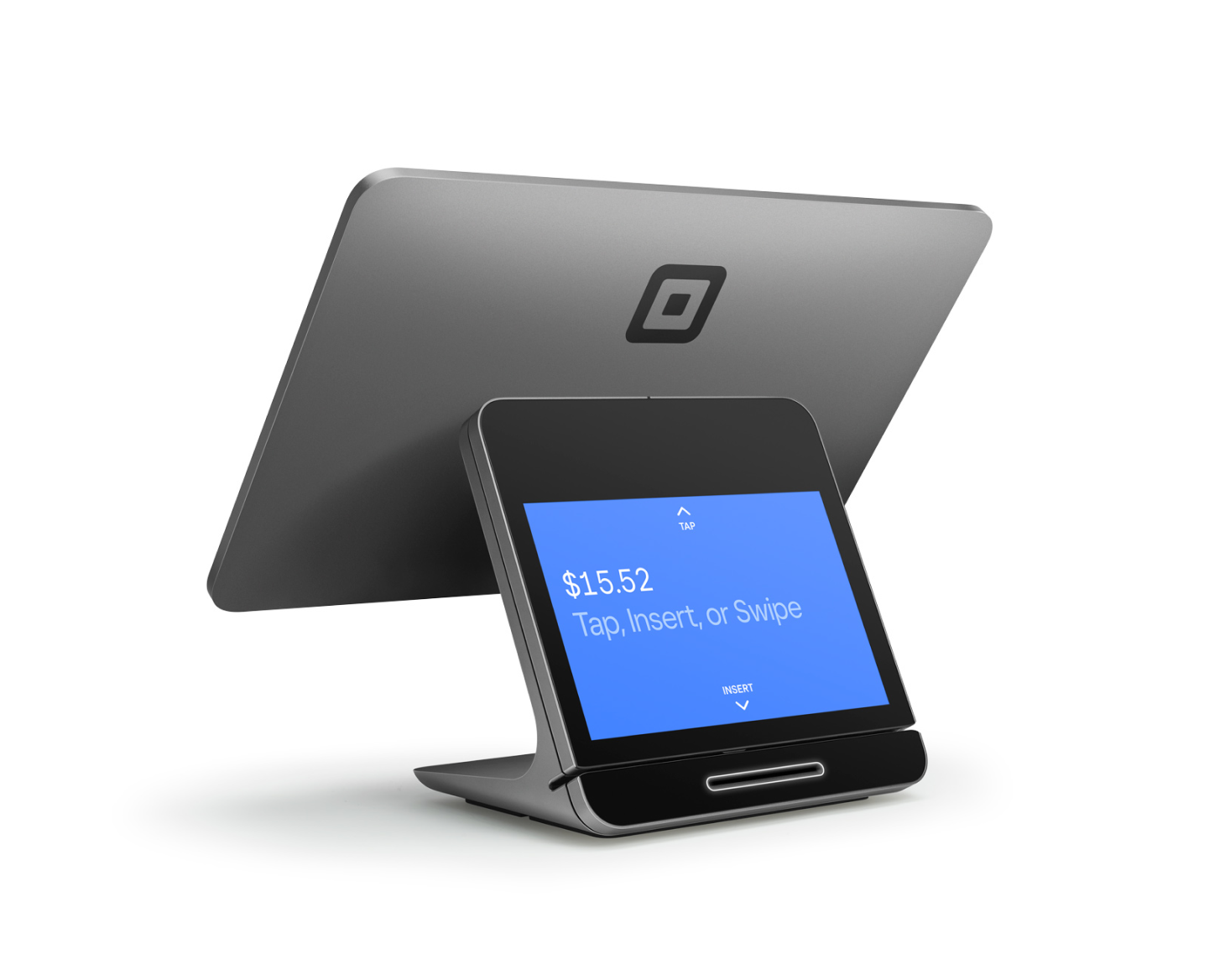
2. Square — Best for Starting Out
Best for: New businesses, pop-ups, very low volume
Pros
No monthly fee
Easy setup
Clean interface
Cons
Higher flat fees long-term
Limited customization
Account freezes are common at scale
Typical Cost
Processing: 2.6% + 10¢ per transaction
Hardware: $49–$799
👉 Square is fine early—but expensive once volume grows.
3. Toast — Best for Full-Service Restaurants
Best for: Restaurants with complex kitchens
Pros
Excellent restaurant workflow
Kitchen Display System (KDS)
Online ordering built-in
Cons
Locked-in processing
Long contracts
Fees often exceed 3%
Typical Cost
Monthly software fees
Processing often 3%+ all-in
👉 Powerful—but one of the most expensive options long-term.
4. PAX Technology (A920 / A35) — Best Smart Terminals
Best for: Mobile businesses, food trucks, delivery
Pros
All-in-one Android smart terminals
Fast checkout
Long battery life
Cons
Limited software ecosystem
Works best with custom processors
👉 Great hardware when paired with the right processor.
Hidden POS Fees Most Business Owners Miss
Many merchants unknowingly pay extra for:
❌ Tiered pricing
❌ Non-compliance fees
❌ PCI fees
❌ Statement & batch fees
❌ Locked hardware contracts
Flat-rate ≠ cheapest.
Transparent interchange-plus or cash-discount models almost always win long-term.
Cash Discount & Dual Pricing Explained (0% Processing)
Cash discount allows businesses to:
Pass card fees to customers legally
Advertise a cash price
Net zero processing cost
This is legal in most U.S. states and extremely common in 2026.
👉 Works best with Clover or PAX systems.
How to Choose the Right POS for Your Business
Ask yourself:
Monthly card volume?
In-person vs mobile?
Need inventory or just payments?
Employees?
Long-term growth plans?
There is no one-size-fits-all POS—only good setups and bad ones.
Final Recommendation (Honest Take)
New & tiny volume: Square
Growing business: Clover
Restaurants: Toast (or Clover with KDS)
Mobile / food trucks: Clover Flex or PAX A920
Fee-conscious owners: Cash discount setup
Want a Free POS & Rate Review?
If you’re already processing cards, a 5-minute statement review can uncover:
Overcharges
Hidden fees
Better setup options
Free hardware eligibility
👉 iQ Payments helps small businesses lower fees without disruption.
No pressure. Just clarity.